Protecting personal data online is more important than ever. Every time you browse, shop, chat, or use social media, you share information that can be misused if not protected properly. Hackers, scammers, and cybercriminals constantly look for ways to steal personal information. This guide explains how to protect personal data online in a simple and beginner-friendly way.
What Does Protecting Personal Data Mean?

Protecting personal data online means keeping your identity, financial details, passwords, personal photos, communications, and browsing activities safe from unauthorized access. When you protect personal data online, you ensure your privacy, safety, and digital security.
Why Protecting Personal Data Online Is Important
Your personal data is extremely valuable. Cybercriminals can:
Steal your identity
Hack your accounts
Use your photos wrongly
Access your banking information
Cause emotional stress and financial loss
This is why everyone should learn how to protect personal data online effectively.
Use Strong Passwords for Every Account
Passwords are the first shield to protect personal data online. Weak or repeated passwords make hacking easier.
Tips for Strong Passwords
Use long passwords with symbols, letters, and numbers
Avoid birthdays, names, and simple patterns
Never use the same password everywhere
Use a password manager for safety
Enable Two-Factor Authentication
Two-factor authentication is one of the best ways to protect personal data online. Even if someone knows your password, they still cannot enter your account without the verification code. Enable it for banking apps, emails, and social media accounts.
Be Careful of Phishing and Fake Links
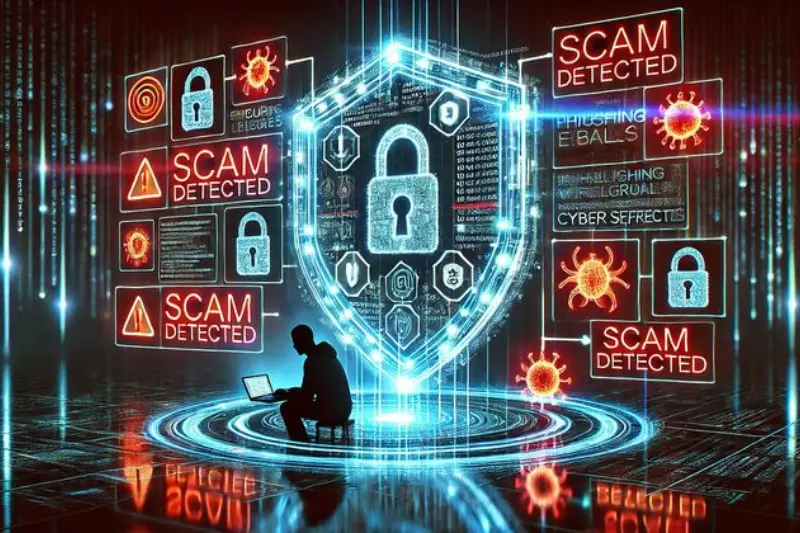
One of the biggest threats to personal data is phishing. Scammers send fake emails, SMS, or messages asking for login details or banking information.
How to Identify Fake Messages
Unknown sender
Urgent warnings
Spelling mistakes
Suspicious links
Requests for personal details
Never share your personal information through random links. Always verify from official sources.
Limit Personal Information Sharing
Oversharing online is dangerous. To protect personal data online, avoid posting private details publicly.
Never Share Publicly
Full home address
Bank account or card details
National identity information
Private photos
Real-time location
Always keep your accounts private and accept requests only from trusted people.
You may also like to read these posts:
AI Solutions Examples in Real Life: Practical Uses
Complete Guide to Tech Tutorials For Beginners
Basic Computer Tutorials for Beginners Online
How to Use Tech Tools: A Beginner’s Guide
Use Secure and Trusted Websites
Only use secure websites when entering personal information. Always check if the website starts with HTTPS instead of HTTP. A secure site helps protect personal data online by encrypting your information.
Keep Your Devices and Apps Updated
Updates improve security and fix vulnerabilities. Outdated software can easily be hacked. Regularly update your phone, laptop, apps, and browsers to protect personal data online.
Install Reliable Antivirus and Security Tools
Antivirus software protects against malware, spyware, ransomware, and hacking attempts. Always install trusted security software and avoid cracked or unknown apps because they are often harmful.
Be Careful Using Public WiFi
Public WiFi is risky because others may be able to see your data. Avoid using it for bank logins, online shopping, or important accounts. If necessary, use a VPN for extra safety.
Backup Your Important Data
Sometimes, data loss happens due to hacking, accidental deletion, or technical failure. Always back up important files to cloud storage or external drives. Backups help protect personal data online by ensuring your information is never permanently lost.
Privacy Settings Matter
Always review the privacy settings of your social media, apps, and accounts. Disable unnecessary permissions like camera, microphone, and location if not needed. This prevents apps from collecting too much data.
Teach Family Members About Online Safety
Children and elderly people are often easy targets. Teach them how to protect personal data online, avoid strangers, and not share personal information. Parental controls can also help.
Frequently Asked Questions
Why is protecting personal data online important?
It prevents identity theft, hacking, scams, and privacy misuse.
What is the simplest way to protect personal data online?
Use strong passwords and enable two-factor authentication.
Is public WiFi safe for personal data?
Public WiFi is risky. Avoid using it for important logins or banking.
How can I avoid scams and phishing?
Do not click unknown links, verify messages, and avoid sharing personal details.
What tools help protect personal data online?
Antivirus software, VPNs, password managers, and privacy settings help keep data secure.
Final Thoughts
Learning to protect personal data online is essential for everyone. With strong passwords, privacy awareness, secure browsing, updates, and careful behavior, you can confidently use the internet safely. Make these habits part of your daily digital life and stay protected.